Reddit has 52 million daily active users and is ranked the 9th most popular social media app in the US .
It’s obviously very popular, but it does have its flaws.
There’s one thing that Reddit app users find frustrating, it’s that dreaded [ removed] or [deleted] notice that appears after a Redditor or a moderator has wiped a specific post.
If you’ve found yourself in this position, let’s share something with you for the future.
1. Removeddit
However, you do need to know the original URL to do it.
Replace “reddit” in the original URL with “removeddit” and the website will automatically load the cached version of the page.
Something else that’s quite handy with this trick is that any moderator-removed posts display in red color, and Reddit user-removed posts are blue.
Removeddit also has a bookmarklet.
You drag this to your bookmarks tab so you can access removed posts quickly in the future.
When you spot a removed post, click on the bookmark, and the archived version is automatically loaded.
A similar tool to Removeddit is Ceddit.
It works in much the same way, but in this case, you replace “Reddit” in the URL with “ceddit.”
2. Reveddit
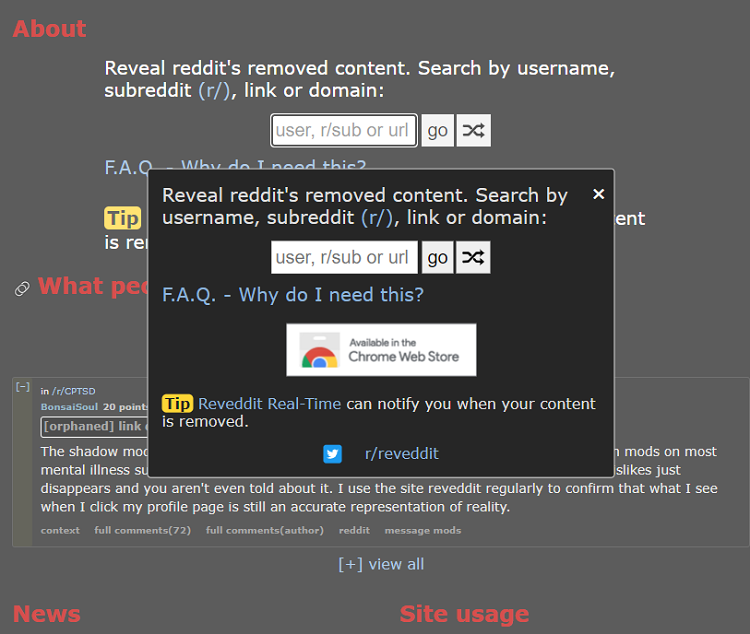
Another downside of using the method above is that you can’t look up users and posts by users.
This is one of the main reasons people tend to turn to Reveddit instead.
You can use this recovery service in one of two ways.
Visit the Reveddit website and enter a username in the pop-up window that appears.
You’ll see all the Reddit posts that the user has deleted themselves or had deleted by admin or mods.
Alternatively, you can search for “reveddit real-time” on the Chrome Web Store or the Firefox Browser Add-Ons page.
Once you’ve installed the add-on, it will notify you of erased Reddit posts as they happen.
3. Wayback Machine
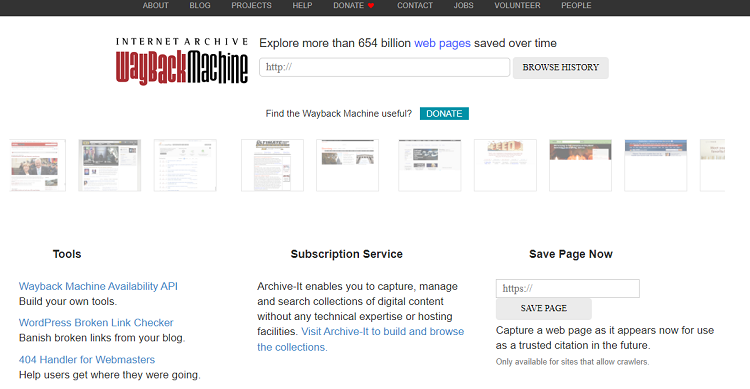
Wayback Machine is a fantastic website that you can use to retrieve a page.
Its outstanding feature is that it saves a screenshot of each website present online.
When you retrieve a page, it might not provide all the data you want, but it should provide enough.
You go to Wayback Machine’s official website to access archived Reddit posts.
You’ll see Reddit archive data and be able to search for a post based on data or date.
Copy and paste the Reddit post you want to view.
Next, you’ll be given a calendar interface with years and months, and you have to decide the date you want to check.
You can find the right date to enter by finding the “deleted X days ago” tag on the post or comment.
Then, just subtract that many days to get the past date.
However, it’s a very powerful tool if you manually cache every important discussion.
To use the extension, you first have to download it.
Then, simply open the Reddit post that you want to cache and click the extension button.
The extension will show the URL with a Cache button under it.
Click that button, and the Reddit page will be cached.
To recover the saved page, click on the extension button again.
5. Google Cache
This method only works when a Reddit post was erased recently.
It relies on Google and its powerful Caching service.
To retrieve Reddit posts using Google chase, follow these steps:
- Go to Google.com and look for the Reddit post.
- In the search bar results, you’ll see a downward-facing arrow next to the post’s name, and this is what you must click on.
- Choose “Cached” from the drop-down list.
- Google will redirect you to the Reddit post as it was when Google bots last visited it.
6. Resavr
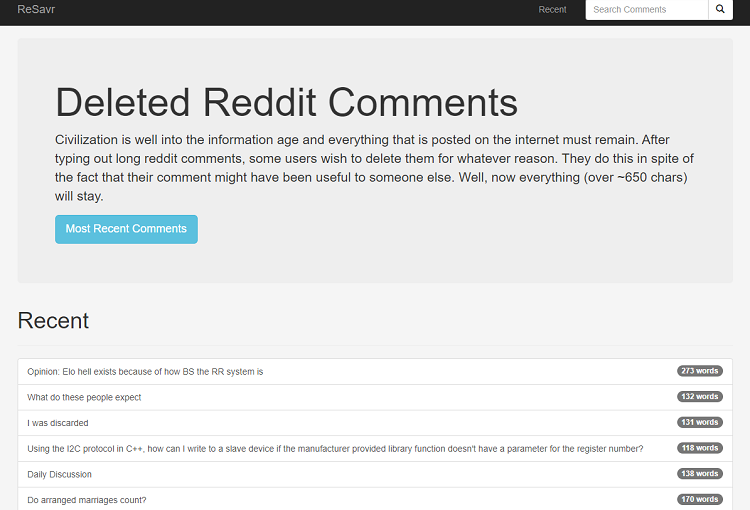
You have the option of searching for a comment using the post title.
With this information, you’ll be able to explore the post further by visiting websites such as Wayback Machine.
- Learn How to Delete Reddit History 2024 [Without Any Hassle]
- 70+ Important Reddit Statistics 2024 [Facts and Trends]
- The 252 Most Hilarious Funny Usernames [on the Internet] 2024
Final Thoughts
Now you know the most popular ways to read deleted posts on Reddit.
Maybe you won’t feel the need to panic quite so much when you can’t find what you want.
Removeddit is possibly the best method, but you do need to know the post’s URL.
If you want to dive a little deeper into a particular post, the Wayback Machine might be a better option.
